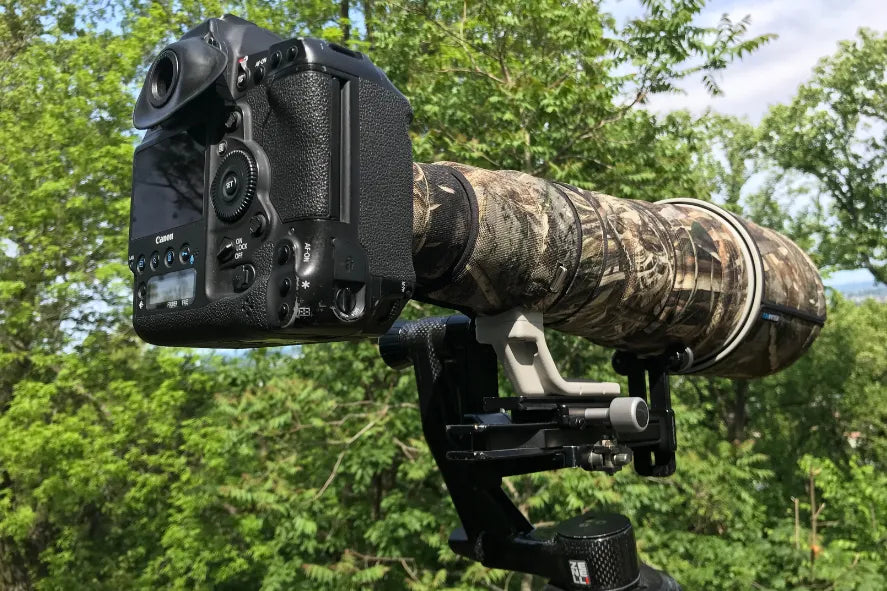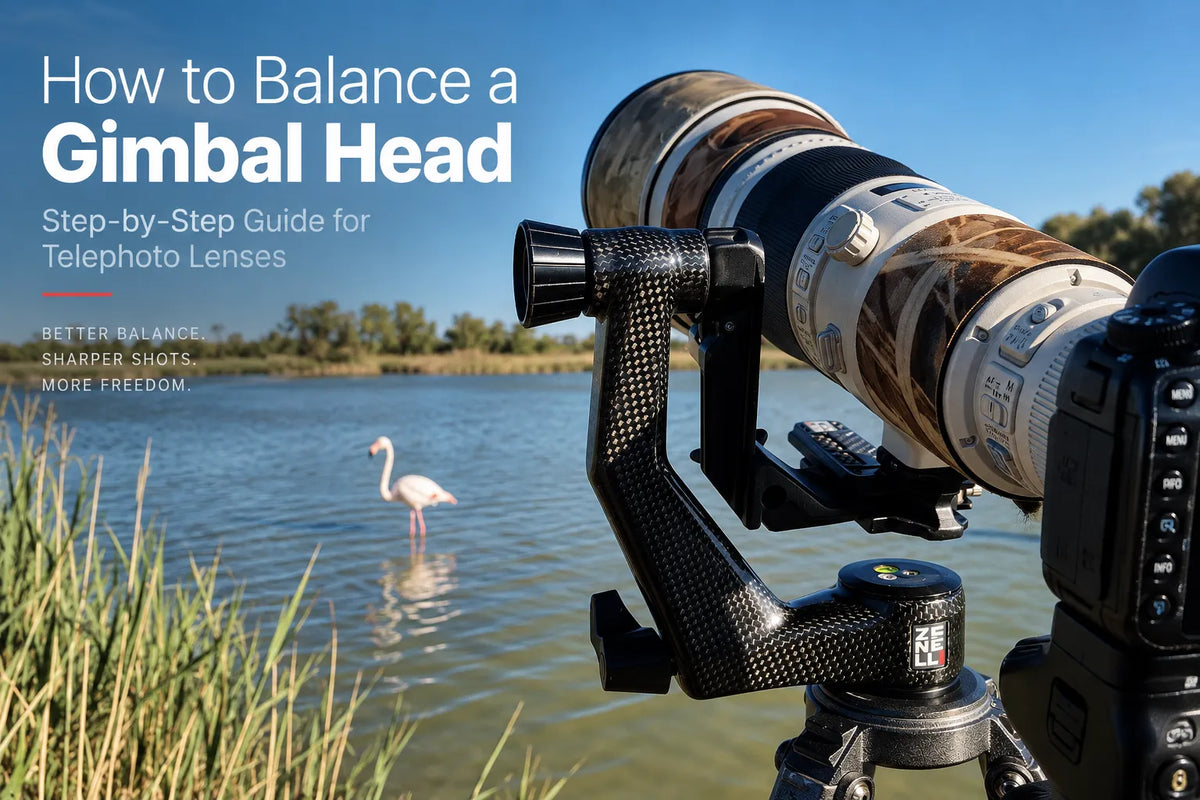
How to Balance a Gimbal Head: Step-by-Step Guide for Telephoto Lenses
A gimbal head supports a camera and telephoto lens around their center of gravity.
When the system is correctly balanced, the lens can move through its working range with less effort and remain easier to control. When it is not balanced, the lens may fall forward, move backward or change position when released.
For wildlife and bird photographers using long telephoto lenses, learning how to balance a gimbal is an important part of setting up the support system.
What Does a Balanced Gimbal Mean?
A balanced gimbal positions the center of gravity of the complete camera and lens combination close to the head’s tilt axis.
This requires two adjustments.
The first is longitudinal balance, which moves the lens forward or backward.
The second is vertical balance, which changes the height of the lens relative to the gimbal’s tilt axis.
Both adjustments are important. A lens can appear balanced when horizontal but still move when tilted upward or downward if its vertical position is incorrect.
Step 1 — Prepare the Complete Camera Setup
Balance the equipment in the same configuration in which it will normally be used.
Mount the camera body, lens, teleconverter if required, battery grip and any other accessories that affect the weight distribution.
Changing the configuration later can change the center of gravity and therefore the balance point.
Step 2 — Mount the Lens Securely
Large telephoto lenses should normally be connected to the gimbal through the lens foot or a suitable quick-release plate attached to the tripod collar.
Insert the lens foot or plate completely into the compatible clamp and secure it before beginning the adjustment procedure.
Before testing the tilt axis, confirm that the equipment is correctly retained and keep a hand on the camera and lens.
Step 3 — Find the Forward and Backward Balance Point
Begin with the lens approximately horizontal. While keeping hold of the camera and lens, gently test the tilt movement.
If the front of the lens tends to drop, move the lens backward in the clamp.
If the camera side tends to drop, move the lens forward.
Make small adjustments and test again until the camera and lens remain approximately horizontal without needing to be held in position.
This establishes the longitudinal balance point.
Step 4 — Adjust the Vertical Position
Horizontal balance is only the first part of the process.
With one hand supporting the equipment, tilt the lens upward and downward. If the system tends to return toward horizontal or continues moving away from it, its vertical position may need adjustment.
Use the gimbal’s vertical adjustment to change the height of the lens until the system behaves consistently at different tilt angles.
Step 5 — Test the Lens at Different Angles
Do not evaluate balance only with the lens horizontal.
Test it at several positions throughout the normal working range. Move the lens upward, downward and back toward horizontal, keeping control of the equipment throughout.
A correctly adjusted system should remain substantially balanced rather than strongly moving toward another position.
Small differences can remain because the mass of the camera and lens is not distributed evenly. However, the lens should not need constant support simply to prevent it from falling.
Why Does My Lens Fall Forward?
If the front of the lens tends to fall downward, the center of gravity is positioned too far forward relative to the tilt axis.
Move the lens backward in the clamp and test again.
If the available adjustment is insufficient, the lens foot or quick-release plate may not provide enough longitudinal travel for that camera and lens combination.
Why Does My Lens Fall Backward?
If the camera side moves downward and the front of the lens rises, the center of gravity is too far behind the tilt axis.
Move the lens forward until the system reaches longitudinal balance.
The available adjustment range of the lens foot or plate determines how far the equipment can be repositioned.
Why Does My Lens Move When I Tilt It?
If the lens remains balanced horizontally but changes position when tilted, the vertical balance may be incorrect.
The center of gravity may be above or below the gimbal’s tilt axis. Adjusting the vertical position of the lens changes this relationship.
This is why balancing a gimbal can require more than a simple forward or backward adjustment.
What Happens When You Change Equipment?
Adding or removing a teleconverter, changing the camera body or attaching a significant accessory can change the balance point.
Check the gimbal balance again whenever the weight distribution of the camera system changes.
Zoom lenses can also change their balance characteristics as their optical configuration changes.
Balance Before You Start Shooting
Correct gimbal balance reduces the effort needed to control a large telephoto lens and helps the camera system move in a predictable way.
The process is straightforward: establish longitudinal balance, align the center of gravity vertically, then test the equipment at different angles.
A correctly balanced gimbal head positions the center of gravity of the camera and telephoto lens close to the tilt axis, allowing the equipment to remain supported while moving smoothly and predictably.